

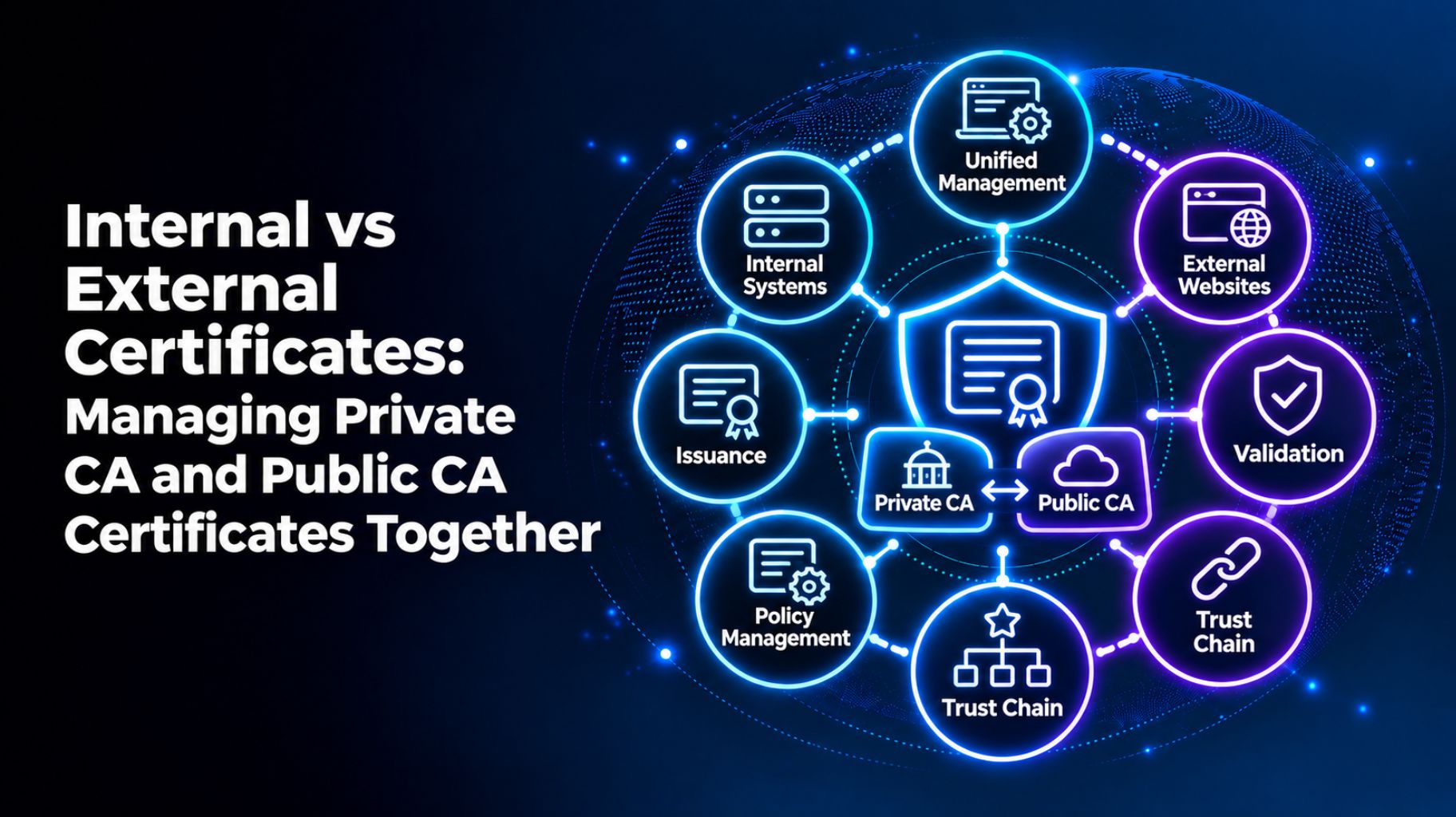
Internal vs External Certificates: Managing Private CA and Public CA Certificates Together
An internal certificates secure systems inside your network. Where An external certificate secures public-facing websites and apps. A public certificate authority (CA) issues them, and browsers trust them by default. They usually come from a private Authority that you run. The best way to manage both is using common inventory, with different rules for each.
Many teams treat the two as the same thing, and that’s where gaps appear. In this guide, you’ll see how internal vs external certificates differ. You’ll also learn when to use each and how to manage them together. You’ll get steps you can use this week.
What Are External Certificates?
External certificates are public TLS certificates. They protect websites, APIs, and other services that users reach from outside. A public CA issues them after validating your domain or organization.
Browsers and operating systems already trust public CAs. That’s why visitors see the padlock without any setup. The trade-off is strict rules. The CA/Browser Forum sets them. Public TLS certificates now last up to 200 days. That drops to 100 days in March 2027 and 47 days by March 2029.
What Are Internal Certificates?
Internal certificates secure traffic inside your own network. Common uses include internal apps, servers, devices, VPNs, and service-to-service connections. A private CA, run by your team or a provider, issues them.
Devices only trust a private CA if you install its root certificate. That gives you control. You set the lifespan, the names allowed, and the approval rules. It also gives you the work. Our guide on the certificate types your enterprise needs to track lists many of the kinds you may run.
Internal vs External Certificates: Key Differences
Here’s how private vs public CA certificates differs:
- Issuer: External certificates come from a public CA. Internal certificates come from a private CA.
- Lifespan: Public lifespans are shrinking on a set schedule. Private lifespans are your choice.
- Rules: Public certificates follow industry rules. Private certificates follow your own policy.
- Trust: Browsers trust public CAs by default. Private CAs are trusted only where you install the root.
- Validation: Public CAs check your domain or organization. A private CA relies on your own checks.
- Risk: A public certificate expiring breaks customer-facing services. A private one expiring breaks internal systems, often in ways that are harder to trace.
The line isn’t always clean. Some internal systems use public certificates. Some external-facing tools use private ones. What matters is who needs to trust the certificate.
Which One Should You Use?
Use a public CA when outside users or devices must trust the certificate. That covers public websites, customer portals, and public APIs.
Use a private CA when you control every device that connects. That covers internal apps, test environments, and device-to-device traffic. A private CA also suits internal names that a public CA can’t validate.
Why Managing Both Together Is Hard
Most teams manage the two separately. That creates problems:
- Different teams and different tools
- Private CAs nobody tracks
- Different lifespans and renewal rules
- Alerts that go to different people
- Gaps when auditors ask for one complete list
Internal certificates are often the most forgotten. Nobody sees them until a system stops working.
How to Manage Private CA and Public CA Certificates Together
Follow these six steps:
- Build one inventory. Include public, private, cloud, and device certificates.
- Automate the safe renewals first. Standard website certificates are a good start.
- Name an owner and a backup. Do it for every certificate.
- Tag each certificate. Mark it internal or external, and note the issuing CA.
- Set rules for each type. Public certificates follow industry limits. Private certificates follow your policy.
- Set alerts that match each lifespan. Our guide on certificate monitoring and expiry alerts explains what to track and who to notify.
A Quick Example
Imagine a company with a public website and an internal payroll app. The website certificate renews on time because it’s on a team’s calendar. The payroll certificate comes from a private CA that nobody tracks. It expires, and staff can’t log in. One inventory with owners and alerts would have caught both.
What to Look for in Tools That Manage Both
Not every tool can handle private CAs well. The best certificate lifecycle management solutions have the following characteristics:
- Automatic discovery of internal and external certificates
- One inventory with owners and backups
- Support for public CAs and private PKI
- Alerts matched to each certificate’s lifespan
- Renewal automation using ACME, SCEP, or EST
- Audit reports across both types
Our practical evaluation checklist for enterprise certificate lifecycle management solutions can help you compare between toools.
Managing Internal and External Certificates With AppleShine Tech
Running two worlds of certificates requires a clear plan. That’s where AppleShine Tech can help.
Our certificate lifecycle management solution sits inside a full certificate lifecycle management service. It covers discovery, inventory, issuance, deployment, monitoring, renewal, revocation, and retirement.
Here’s what you get:
- One view of internal and external certificates, with clear owners
- Support for public CAs and private PKI
- Renewal automation using ACME, SCEP, or EST where your setup supports them
- Alerts, approval history, and audit trails for reviews
We work with your existing PKI and certificate authorities, so you don’t have to start over.
Conclusion
Internal vs external certificates comes down to trust. External certificates come from a public CA and face strict rules. Internal certificates come from a private CA and follow your policy. You need both, and you need to see both.
Certificate lifespans are shrinking, so separate tracking will cost more over time. Build one inventory. Assign owners. Then put a certificate lifecycle management solution behind the process, so public and private certificates are managed together.
Ready to manage both in one place? Talk to AppleShine Tech about a review of your certificate setup, and share your questions in the comments below.
FAQs About Internal vs External Certificates
What is the difference between internal and external certificates?
External certificates come from a public CA and are trusted by browsers. Internal certificates usually come from a private CA and are trusted only where you install its root.
What is the difference between a private CA and a public CA?
A public CA is trusted by browsers and follows industry rules. A private CA is run by you or a provider and follows your own policy.
Do 47-day certificates apply to internal certificates?
The shorter limits apply to publicly trusted TLS certificates. Private CA certificates follow your own policy.
Can I use a public certificate for an internal system?
Sometimes. It works if the name is public and can be validated. For internal-only names, a private CA is usually the better fit.
How does a certificate lifecycle management solution manage both types?
It discovers internal and external certificates, tracks them in one inventory, and sends alerts to named owners. It can also automate renewals and keep audit records.