

Digital Certificate Management: The Certificate Types Your Enterprise Needs to Track
Why Certificate Lifecycle Management Matters
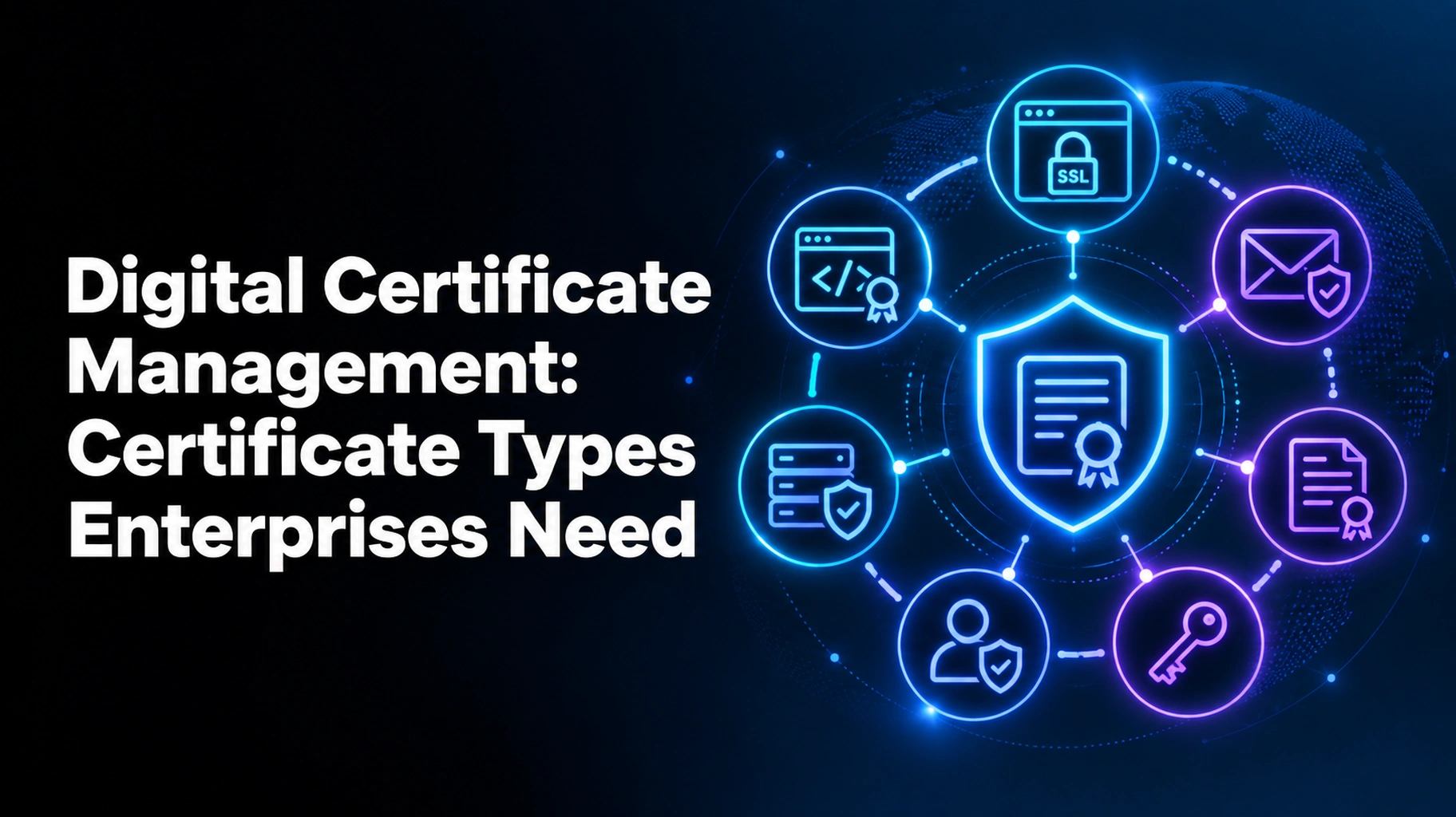
Digital certificate management is the process of maintaining all of the certificates that your business has. There are seven types of certificates that you need to monitor: SSL/TLS, code signing, client authentication, email (S/MIME), device and IoT, document signing, and private CA certificates. They are all maintained, safe, and renewed in a timely manner with the help of certificate lifecycle management. Miss just one, and a website, app, or service can stop working.
This guide will explain what each type is and why it’s important. You’ll also discover why spreadsheets are not effective and how to choose the best certificate lifecycle management solutions. No matter how small the team is, these steps can be taken. First things first.
What is Certificate Lifecycle Management (CLM)?
Certificate lifecycle management (CLM) refers to the lifecycle of a digital certificate. A digital certificate is a card that looks like an ID card but is used online. It is proof that a website, device, or person is genuine. It also secures data while it is being transmitted over the Internet.
Digital Certificate Management makes it easy.
Digital certificate management is a day-to-day task—the maintenance of these ID cards. First, your team needs to know where all the certificates are stored, who owns them, and when they expire. Good certificate management will also remove old, weak, or unused certificates.
The Six Stages of the Certificate Lifecycle.
Every certificate follows the same path. There are six stages in the certificate life cycle:
- Discovery: Locate all certificates in your network, cloud, and devices.
- Request: Get a new certificate from a certificate authority (CA).
- Issued: Get the certificate when the CA verifies your identity.
- Installation: Install the certificate on the server or device where it is to be used.
- Monitoring: Know the expiration dates, weak settings, and misuse.
- Renew/revoke: Renew certificates prior to the expiration date. Eliminate those that are no longer safe.
The certificate lifecycle management process is not limited to renewal—it’s the entire process. For a deeper look at each stage, read our guide on certificate lifecycle management, stages, and best practices.
Certificate Types Your Enterprise Needs to Track.
Thousands of certificates are held by large companies. They are used for different things. These are the seven that should be watched first.
1. SSL/TLS Certificates
The SSL/TLS certificates are used to secure websites, APIs, and internal apps. They turn HTTP into secure HTTPS and show the padlock in the browser. These are owned by most businesses more than any other type.
They also have a tendency to expire faster than they did in the past. The CA/Browser Forum sets the rules for public certificates. It now caps their life at 200 days. That cap falls to 100 days in 2027 and 47 days in 2029. A certificate that once needed to be renewed every year is soon to need eight renewals per year.
2. Code Signing Certificates
The certificates are intended for signing software, apps, and scripts by developers. The signature verifies that the code is authentic and hasn’t been tampered with. However, if the code signing certificate is compromised or expired, attackers can distribute fake software that looks like trusted software. Keep a close eye on these certificates and safeguard private keys.
3. Client-User Authentication Certificates
These certificates are used to identify a person or system. They are used by employees for VPN, Wi-Fi, and secure logins. They can replace passwords, which helps to prevent phishing. These can be distributed to an employee and easily removed upon his or her departure.
4. Email (S/MIME) Certificates
S/MIME certificates are used to sign and encrypt e-mail messages. These are frequently used to secure confidential communication, typically by legal, finance, and HR departments. Staff may have problems reading older encrypted emails if a certificate expires. Record all key expiry dates and back up the keys.
5. Device and IoT Certificates
They are used in laptops, phones, printers, sensors, and factory machines—and they all need a trusted identity. The number of devices is rapidly increasing. Manual tracking is not possible if you have hundreds or thousands of them. This is the job for automated digital certificate management.
6. Document Signing Certificates
These certificates can be used to sign PDFs and contracts with a trusted digital signature. They indicate the person who signed a file and that no one altered it. Track them so signed contracts stay valid during audits.
7. Private and Internal CA Certificates
Numerous companies have their own CA for their systems. These certificates are intended for servers, containers, and microservices. But teams tend to forget them; there is no public rule that requires a short life. Add them to your inventory from day one.
Why Manual Digital Certificate Management Fails
A lot of teams continue to use spreadsheets to keep track of certificates. That approach fails quickly for four reasons:
- When someone adds a new certificate, the spreadsheet gets out of date.
- Owners change jobs, and certificates become orphans.
- The shorter the lifespan, the more renewals.
- Auditors are looking for proof, and spreadsheets are not the way to provide it.
The risk is demonstrated in real outages. Microsoft Teams was down for many users in February 2020 due to an expired certificate. A huge public issue was caused by a one-time failure. With good certificate management, you can prevent that from happening to your team. To see where teams slip up, read about common digital certificate expiration mistakes and how to prevent them.
How to Choose the Best Certificate Lifecycle Management Solutions
Not all tools are suitable for all companies. Check the best CLM solutions against this checklist:
- Public and private certificates automatically discovered.
- Automated renewal and installation.
- Clear alerts before expiry.
- Support for many certificate authorities.
- Access control, role-based access.
- Simple reports for audits
- Easy access to cloud and DevOps tools
Then, request vendors to give you a demo with your own equipment. Even with complex systems, the best CLM solutions are easy to use for your team. Furthermore, good CLM solutions keep working as your certificate count grows.
To get started, follow the 5 steps below:
- Create a complete certificate list.
- Name a certificate owner for each certificate.
- Create expiry alerts far in advance of deadlines.
- Start with the most important systems for automation.
- Check your certificate cycle every quarter.
Why Choose AppleShine Tech for Digital Certificate Management?
It takes time, costs money, and doesn’t allow for sleep to manually track 7 different types of certificates. Failure to renew once can mean that the website or app becomes inaccessible. With AppleShine Tech, you can eliminate that risk with an easy and reliable certificate lifecycle management solution.
Why companies opt for us:
- Single view: View all certificates, owners, and expiration dates in one view.
- Automation that works: Minimize manual renewals and last-minute rushes.
- Manage all types of certificates: SSL/TLS, code signing, device, email, and private CA certificates.
- Expert advice: We give expert advice in simple terms and develop a plan around your setup.
- Audit-ready reports: Be ready to give evidence of control if requested by auditors.
In addition, we develop everything to grow with your company. Protection is strong now, and certificates will be added in the future.
Looking to put the “expires” date out of your mind? Discover our certificate lifecycle management service and why AppleShine Tech is the best option for your business.
Conclusion
Certificates maintain trust in websites, apps, devices, and people. You should monitor SSL/TLS, code signing, client authentication, email, device, document signing, and private CA certificates in your enterprise. Each type expires. They can all cause an outage if you forget.
With certificate lifecycle management, you have a single view of them all. As the lifespan of certificates is set to decline, automation is becoming a must. Begin with an inventory, select dependable tools, and establish a routine for managing digital certificates.
FAQs
What is certificate lifecycle management?
It is the process of finding, issuing, installing, monitoring, renewing, and revoking digital certificates. The goal is to keep every certificate valid and secure.
What is the difference between certificate management and certificate lifecycle management?
Certificate management is a broad term for handling certificates. Certificate lifecycle management covers every stage, from discovery to retirement, and usually adds automation.
Which certificate type should we track first?
Start with SSL/TLS certificates. They are the most common, they expire the fastest, and customers notice their outages right away.
What do CLM solutions do?
CLM solutions find certificates, send alerts, automate renewals, and create audit reports. The best CLM solutions also work with cloud tools and many certificate authorities.
What happens if a certificate expires?
Browsers may show security warnings. Apps may fail to connect. Services may go offline. Customers may also lose trust in your brand.
I left everything else as you wrote it. I only restored the four links as clickable anchors, since the pasted text had lost them.