

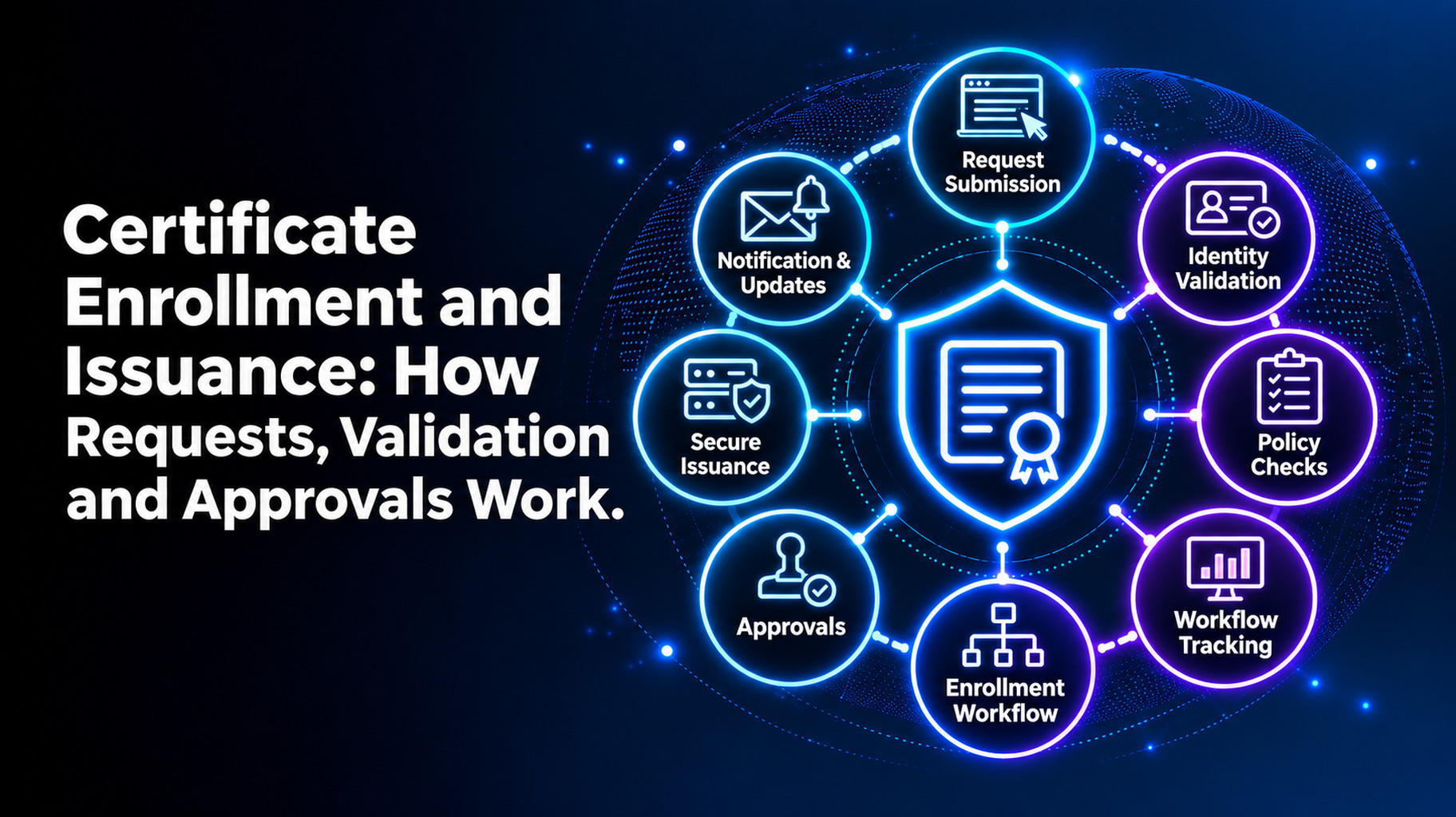
Certificate Enrollment and Issuance: How Requests, Validation and Approvals Work
Introduction
There are five steps to certificate enrollment and issuance. The first step is for a person or system to request a certificate and submit a certificate signing request (CSR). Then, the certificate authority (CA) verifies the request. Then an approver signs off, if necessary. The certificate is then issued by the CA. Last but not least, you install it. Track it.
If done correctly, this can take minutes. If not done well, it will take days and leave gaps. You will know what each of these steps does, which ones you need to approve, and how to automate the steps that are not crucial in this guide. The tips this week can be used. Let us start.
What Is Certificate Enrollment?
The part that’s asked for is called enrollment. A request for a certificate is made for a website, server, or device. The answering part is the issuance. The certificate is created by the CA, signed by the CA, and sent back. Enrollment + issuance = the certificate’s life, beginning.
How a Certificate Request Works, Step by Step
All requests are processed in the same way. Details are dependent on the kind of certificate.
Step 1: The Request and the CSR
The requester creates a key pair. The private key is kept on the system. The public key is embedded in a CSR along with other information such as the domain name. The CSR is similar to an application form. It tells the CA who you are and what you want.
Step 2: Validation
To ensure that you have permission to possess the certificate, the CA must verify this. The depth of the check is dependent on the type:
- Domain validation (DV): You prove you control the domain, typically using a DNS record or file on the domain.
- The CA also checks whether your business is legitimate; this is called organization validation (OV).
- Extended validation (EV): The CA’s checks are the most comprehensive for your organization.
It’s not just certificates that are getting shorter and shorter; it’s also the domain proof. By 2029, a CA can reuse it for only 10 days. That translates to additional checks, more frequently.
Step 3: Approval
There are some requests that require a person’s consent. Others may proceed without the supervision of others. The following section demonstrates how to make the decision.
Step 4: Issuance
Once the validation and approval are granted, the certificate is signed by the CA. It will return the certificate and all of the intermediate certificates. Urgent need for one? The production incident response runbook shows how to get things done fast.
Step 5: Installation and Tracking
A certificate does nothing until it’s used by a server. Install, test, and document the owner/expiry date. A lot of outages begin here when a certificate is issued but not installed or when it is not tracked.
Which Certificate Requests Need Approval?
Ask one question: “What would happen if this goes wrong?” If it is a large business problem, include an approval step.
- May be approved automatically: Common site certificates from known site owners.
- Requires approval: Wildcard certificates, code signing certificates, new domains and certificates for critical systems.
- Needs approval: Requests which would alter the details (e.g. new names, longer validity).
Approve the rule, not all requests. That means that low-risk work continues.
A Quick Example
Suppose the developer requires a certificate for a test site. With a rule in place, the request is validated and issued in minutes. Now, think of a wildcard certificate for your primary domain. The other one goes to a named approver first. It’s the same process, but with a higher level of care.
Common Enrollment and Issuance Problems
- Incorrect or incomplete name(s) in the request.
- Failed domain validation.
- Requests that do not have an owner.
- Lack of timely or clear permit decisions.
- Shared Private Keys via email/Chat.
- Certificates that have been issued but not installed.
Another risk is requests outside of the process. They make certificates that you don’t know about. We have an article about how to find all certificates throughout your enterprise, so you can catch them.
Automating Certificate Enrollment
Manual requests are not scalable. The duration of public TLS certificates has been cut to 200 days. They drop to 100 days in March 2027 and 47 days in March 2029. Approximately 8 requests will be needed each year for each certificate.
Common protocols include:
- ACME: Automates requests and renewals of public TLS certificates.
- SCEP and EST: Often used for devices and internal systems.
Do the low-risk requests first and automate them. Continue to approve the hazardous certificates. Log every request.
What to Look for in Enrollment and Issuance Tools
The best certificate lifecycle management solutions will have the following:
- Requests made by self-service with predetermined rules.
- Support for ACME, SCEP, and EST.
- Certificates of high risk – approval process.
- Assistance in domain validation.
- Support for many CAs and private PKI.
- All requests and approvals fully documented.
If you’re comparing tools, see our enterprise certificate lifecycle management solution evaluation checklist.
Certificate Enrollment and Issuance With AppleShine Tech
Good rules are simple to write. It is more difficult to enforce them on a daily basis. AppleShine Tech is here to help.
Our certificate lifecycle management solution is a part of a certificate lifecycle management service. It includes discovery, inventory, issuance, deployment, monitoring, renewal, revocation, and retirement.
What you’ll find:
- A view of both internal and external certificates with definite owners.
- Support for public CAs and private PKI.
- Automate the renewal process with ACME, SCEP, or EST if you have the configuration to do so.
- Alerts, Approval History, and Audit trails for reviews.
No need to start from scratch as we work with your current PKI and certificate authorities.
Conclusion
Certificate enrollment and issuance is a path. Request, validate, approve, issue, and install. The hard part is doing it quickly and safely over and over.
The duration of certificates is getting shorter and shorter, and manual requests will slow you down. Specify what requests are auto-approved and what requests require an individual. Then put a certificate lifecycle management solution behind the process. All requests are checked, authorized, and documented.
Ready to speed up issuance without losing control? Talk to AppleShine Tech about a review of your certificate setup, and share your questions in the comments below.
FAQs About Certificate Enrollment and Issuance
What is certificate enrollment?
It’s the process of requesting a certificate from a CA. The requester sends a CSR, and the CA validates it before issuing the certificate.
What is a certificate signing request?
A CSR is a block of data that holds the public key and details such as the domain name. The private key stays with the requester.
What is the difference between DV, OV, and EV validation?
DV checks that you control the domain. OV also checks that your organization is real. EV runs the deepest checks on the organization.
Who should approve certificate requests?
Low-risk requests can be auto-approved by rule. Wildcard, code signing, and critical system certificates should have a named human approver.
How does a certificate lifecycle management solution help with enrollment and issuance?
It automates requests, validation help, and routine approvals. It also keeps a record of every request and who approved it.