

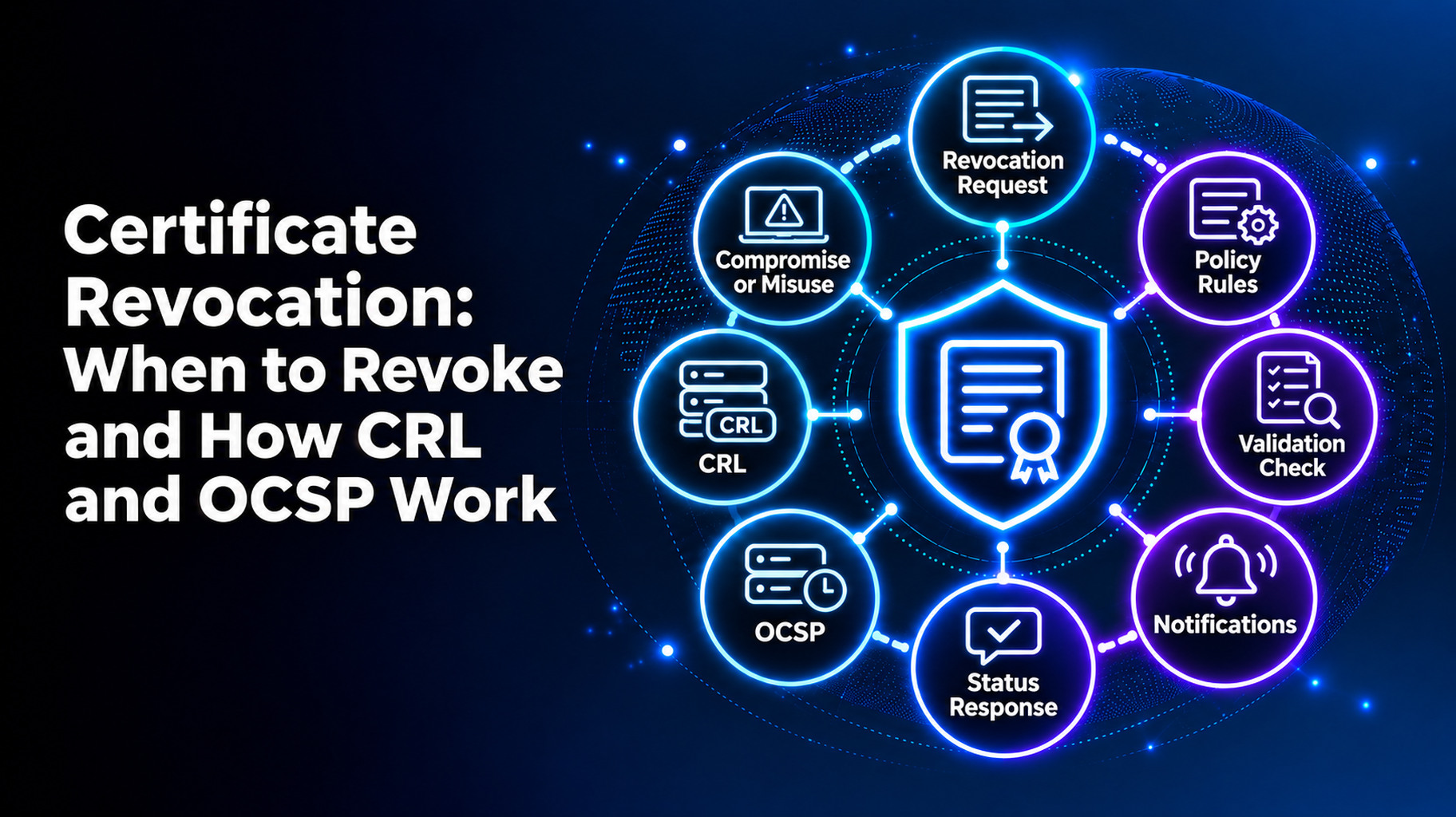
Certificate Revocation: When to Revoke and How CRL and OCSP Work
The process of revoking a certificate in advance of its expiration is called Certificate revocation. The CA marks it as no longer trusted. It can be rejected by browsers and systems.
It is required when something goes wrong during the period. A private key leak, a certificate issued by mistake, or A server shutdown, waiting for expiry leaves the risk open.
This guide covers when to revoke a certificate and how to check CRL and OCSP status. It also shows how to build a revocation process that works.
When to Revoke a Certificate
Revoke a certificate when it is no longer trusted. Common reasons can include:
- Key compromise. Private key leaked, stolen, or exposed. This is the most important case.
- Wrong issuance. The certificate contains wrong information or was issued to the wrong party.
- Retired service. The server, app, or domain doesn’t exist anymore, so nobody needs the certificate.
- Change of ownership. The domain or organization was changed to a different owner.
- Replaced certificate. A new certificate with a new key was installed.
- Lost device or leaving user. This applies to client and device certificates.
Each reason corresponds to a revocation reason code. Examples are key compromise, cessation of operation, and superseded. Pick the right one because it shows others why the certificate was pulled.
Revoke or Let It Expire?
Not every certificate needs revoking. If a certificate has a few days left and the key is safe, expiry is sufficient.
Revoke when the key may be exposed, when the certificate could be misused, or when a wrong certificate is live. In such cases, waiting even a few days is too long.
Shorter certificate lifespans reduce the window; however, they don’t replace revocation. A leaked key is a problem of today, not at the next renewal.
How Certificate Revocation Works
The flow has three steps:
- You request revocation. You request the CA that issued the certificate with a reason.
- The CA records it. It adds the serial number of the certificate to its revocation data.
- Clients check status. Browsers and systems look up the status using a certificate revocation list(CRL) or Online Certificate Status Protocol(OCSP).
The CA doesn’t delete the certificate. It publishes its status, and clients decide whether to trust it.
How a CRL Works
A certificate revocation list (CRL) is a signed list of revoked certificate serial numbers. The CA publishes it at a specified address. It also schedules the next update time.
A client downloads and verifies whether the certificate is in the list. Many clients cache the list until the next update.
CRLs have clear strengths:
- A single download includes many certificates
- Clients can verify without contacting the CA each time
- No lookup reveals which site a user is visiting
They, too, have their restrictions:
- Large lists take time to download
- Status is only as fresh as the last update
CAs typically partition lists in order to maintain reasonable size limits, called sharded CRLs.
How OCSP Works
The Online Certificate Status Protocol (OCSP) verifies one certificate at a time. The client sends the certificate’s serial number to an OCSP responder run by the CA. The responder replies with a signed answer: good, revoked, or unknown.
OCSP responses are small and fresh; that’s the strength, and the weaknesses are real, however:
- Each check appends another network request
- The CA can see which sites users visit
- Many browsers continue anyway even if the responder is down, which is called soft-fail
What Is OCSP Stapling?
Several of these weaknesses are addressed by OCSP stapling. The web server fetches a signed OCSP response from the CA itself. It then attaches that response to the TLS handshake.
The browser is not required to contact the CA for proof; that’s quicker and more discreet. Some certificates also carry a “must-staple” flag, which informs clients to make it mandatory for them to get a stapled response.
Stapling is only possible if the server is configured for it; include it in your configuration checks.
CRL vs OCSP: Which One Matters Now?
Here’s how the two compare:
- CRL: a full list, cached by clients, private for users, and only as new as its last update.
- OCSP: a live lookup per certificate, very fresh, but slower and less private.
- OCSP stapling: a live response delivered by your server, which is quicker and more private.
The industry is shifting toward CRLs. In 2023, the CA/Browser Forum’s ballot SC-063 made OCSP optional for public CAs and set CRL requirements. It requires a CA to publish an updated CRL within 24 hours of recording a revocation.
Then Let’s Encrypt turned off its OCSP service on August 6, 2025. It now publishes revocation data through CRLs only. Its main reason was privacy.
So don’t build a process that depends only on OCSP. Check what your CAs support. Private CAs may still run both.
Common Certificate Revocation Mistakes
Teams often trip on the same issues:
- Slow reporting. A leaked key sits for days before anyone revokes it.
- No owner. Nobody knows who can request revocation.
- Revoking without replacing. The service goes down because the new certificate isn’t ready.
- Wrong reason code. The record misleads later reviews.
- Unknown copies. The same key or certificate lives on several servers.
- No status checks. Servers fail to properly check and staple revocation status.
The last two are discovery problems. Without a search, you can’t revoke; our guide on certificate discovery shows how to build a complete inventory.
How to Build a Certificate Revocation Process
A good process is simple and written down. Follow these steps:
- Define triggers. Identify the events that require revocation, such as key exposure or a retired system.
- Assign owners. Name who can approve and who requests revocation.
- Prepare the replacement. Issue a new certificate with a new key first, while the service must stay up.
- Revoke with the right reason. Use the correct reason code and record who approved it.
- Confirm the status. Make sure the CRL or OCSP response shows it as revoked.
- Remove old copies. Remove the certificate and key from every server and store.
- Review afterwards. Find out how the key was exposed and close the gap.
Protecting keys matters just as much. Our key management page explains how to store and control private keys, whereas Revocation is also one stage of the full lifecycle. See certificate lifecycle management importance, stages and best practices for the bigger picture.
What to Look for in Tools That Handle Revocation
The best certificate lifecycle management solutions share a few traits:
- Discovery of every certificate and where it’s installed
- Named owners and approval steps for revocation
- One-click or automated revocation with the right reason code
- Automatic reissue and deployment of the replacement
- Status checks and a full audit trail
If you’re comparing tools, use our practical evaluation checklist for enterprise certificate lifecycle management solutions.
Handle Certificate Revocation With AppleShine Tech
Revocation is urgent when it happens, so it shouldn’t depend on guesswork. That’s where AppleShine Tech can help.
Our certificate lifecycle management solution is part of a full certificate lifecycle management service. It covers discovery, inventory, issuance, deployment, monitoring, renewal, revocation, and retirement.
Here’s what you get:
- One view of internal and external certificates, with clear owners
- Support for public CAs and private PKI
- Revocation and replacement steps with approval history
- Alerts and audit trails for reviews
No need to reinvent the wheel; we work with your current PKI and certificate authorities.
Conclusion
Certificate revocation is your emergency brake. Know the triggers, such as key compromise, wrong issuance, and retired systems. Understand how CRL, OCSP, and stapling report status. Expect CRLs to matter more as public CAs move away from OCSP.
Then document it, identify the owners, and support it with a certificate lifecycle management solution. If a key leaks, you’ll respond in minutes, not days.
Want a revocation plan that works under pressure? Talk to AppleShine Tech about a review of your certificate setup, and share your questions in the comments below.
FAQs About Certificate Revocation
What is certificate revocation?
It’s the process of cancelling a certificate before it expires. The CA records it as revoked, and clients can reject it.
When should you revoke a certificate?
Revoke when the private key is compromised, the certificate was issued wrongly, or the service is retired. Also revoke when ownership changes.
What is the difference between CRL and OCSP?
A CRL is a signed list of revoked certificates that clients download. OCSP checks one certificate at a time with the CA’s responder.
Is OCSP still used?
Some CAs still run it, and private CAs often do. Let’s Encrypt ended its OCSP service in August 2025 and uses CRLs only.
How does a certificate lifecycle management solution help with revocation?
It tracks every certificate and owner. It also manages approvals, replacements, and audit records, so revocation is fast and clean.