

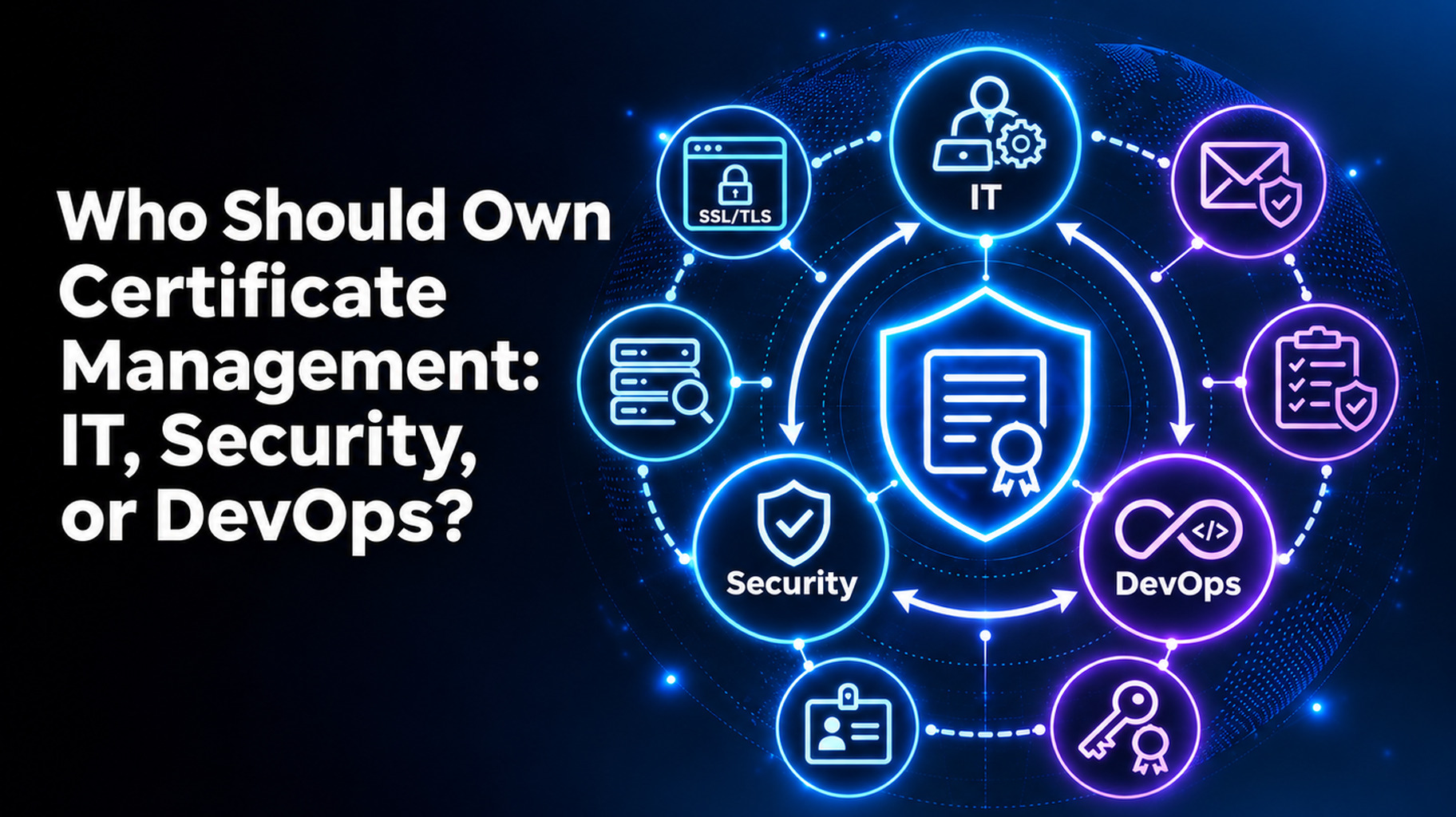
Who Should Own Certificate Management: IT, Security, or DevOps?
Introduction
It should not be the sole responsibility of one team to manage the certificates. Security must be the owner of the policy. IT or DevOps should be responsible for the day-to-day work. All of the certificates should be named to a specific person and have a backup, and should be controlled by one system. When split, certificates don’t get lost.
This is something that many businesses ask themselves, and outages often follow. This guide will help you to understand a little about what each team excels at, a simple ownership model, and some things to avoid. One of the first steps to reducing outages is to set ownership. You’ll receive steps that you can use this week. Let’s get started.
Why Certificate Ownership Is Often Unclear
Contact is made with each team by certificates. DevOps is developing one for a new service. One is installed on a server by IT. Security ensures that it follows policy. No one is responsible, no one checks the expiration date.
It gradually gets worse over time. People change jobs. Teams reorganize. Cloud and container tools create certificates in minutes. Lifespans are also decreasing. The duration of public TLS certificates is now up to 200 days. They drop to 100 days in March 2027 and 47 days in March 2029. Our guide to Certificate Types Your Enterprise May Have reveals the number of types you could be dealing with.
What Each Team Brings to Certificate Management
Each team has its own strengths. All are limited in their vision.
IT Teams
Typically, IT is responsible for servers, networks, and devices. This is a logical choice for the installation and renewal of certificates on them. IT is also aware of where systems reside. The risk is that IT sees certificates as a chore, rather than a security responsibility. It can also miss other teams’ cloud and container certificates.
Security Teams
The rules are managed by Security. It sets the criteria for trustworthy certificate authorities (CAs) and the strength of keys and the types of certificates that need approval. It also facilitates audits and monitors risk. The danger is that security doesn’t work on the servers. It is unable to renew an expired certificate in a timely fashion without help.
DevOps Teams
DevOps creates and publishes apps. Produces the highest number of certificates, often with code and pipelines. That’s a good team to automate renewals with. The risk is speed. In DevOps, there might not be any policy, or when the project is done, certificates may be left behind.
So, Who Should Own Certificate Management?
Clear roles and shared ownership are the solution. Use this model:
- The policy and audit are the responsibility of security. Establishes rules, approves high-risk certificates, and reviews reports.
- Infrastructure certificates are owned by IT. This includes devices, internal systems,s or servers.
- The application is under the control of DevOps for certificates. This encompasses pipelines, containers, rs and cloud services.
- There are backups, and each certificate is owned by a name. 1 person and 1 stand-in.
- It is supported by one program leader. That individual/team will be accountable for the inventory and process.
Which Team Should Lead?
Small businesses are more likely to follow the lead of IT. Businesses based in the cloud may enable DevOps to lead the way. With regulated companies, security is usually given the “keys of the kingdom.” If all of the above roles are known, then all three will work.
A Quick Example
Let’s say that DevOps created and IT deployed a payment page certificate. Security was not informed. The owner goes away, and the alerts are sent to an unused mailbox. The certificate expires, and it is not possible to check out. Named owner, backup, and shared alerts mean that someone is notified weeks in advance of the renewal.
Common Certificate Ownership Mistakes
Be sure to avoid these:
- Assuming that it’s going to take care of itself without a name, “on faith” that “IT” will take care of it
- Delegating to someone who later leaves!
- Allowing each team to maintain their own spreadsheet.
- Avoid blaming security and not providing them with access.
- Forgetting cloud and test certificates.
- Never reviewing the owner list.
How to Set Up Certificate Ownership
Use the following six steps:
- Find every certificate. Run discovery across your network, cloud, and devices.
- Name an owner and back-up. Do this for each certificate.
- Record the roles. State who sets policy, who renews, and who approves.
- Send alerts to individuals. Never share a mailbox; use owner and back-up.
- If you can, automate the safe renewals first. The first one is to automate the standard website certificates.
- Review owners every 3 months. Recheck frequently when individuals are changing occupations.
A spreadsheet is a simple certificate management system that breaks. Find out why with our certificate management vs certificate lifecycle management guide. When choosing a tool, use our handy evaluation checklist for enterprise certificate lifecycle management tools.
Shared Certificate Ownership With AppleShine Tech
If everyone doesn’t see the same data, clear roles are ineffective. This is where AppleShine Tech can come in.
Our certificate lifecycle management solution provides IT, security, and DevOps with a single view. It is part of an end-to-end certificate lifecycle management service. It contains discovery, inventory, issuance, deployment, monitoring, renewal, revocation, and retirement.
What you’ll receive:
- One perspective of internal and external certificates, clear owners
- Support for Public CAs and Private PKI.
- Use ACME, SCEP or EST (if supported by your setup) to automate the renewal process.
- Alerts, Approval History, and Audit Trail for reviews
No need to re-invent the wheel; we integrate with your existing PKI and certificate authorities.
Conclusion
Therefore, who should own certificate management? It is shared by all three teams. Security owns policy. The work is done by IT and DevOps. Each certificate is owned by a name and has a backup.
Certificates will become even shorter-lived, and it will become even more expensive each year if the ownership is not clear. First, locate all of the certificates. Assign owners. Then place one certificate lifecycle management solution in front of the process so that all teams have access to the same facts. If it is obvious who owns the certificate, renewals cease to be emergencies and become routine work.
Ready to settle the question? Talk to AppleShine Tech about a review of your certificate setup, and share your questions in the comments below.
FAQs About Who Should Own Certificate Management
Who should own certificate management?
No single team should own it alone. Security owns policy, IT and DevOps run the work, and each certificate has a named owner and a backup.
Should security or IT own certificate management?
Both have a role. Security sets rules and checks audits. IT installs and renews certificates on infrastructure. Pick one program lead so nothing is missed.
What is the role of DevOps in certificate management?
DevOps owns certificates for applications, pipelines, and cloud services. It is also the best team to automate renewals.
What happens when no one owns a certificate?
It expires unnoticed, and a website or service goes down. Unowned certificates are one of the most common causes of outages.
How does a certificate lifecycle management solution help with ownership?
It gives every team one inventory with named owners. It also sends alerts, renews on time, and keeps audit records.